

Say you have cleared a late relative’s loft and found a shoebox of photos, a tangle of camcorder tapes, a biscuit tin of floppy disks and an old laptop nobody can log into. The pile feels like clutter, but it is archive material. To preserve family digital heirlooms, copy everything off its original medium, store it in open file formats, and keep three copies in different places.
Archivists work this way because digital things fail quietly. A cracked photo is visible. A corrupted disk looks fine until the day you need it. As the evenings draw in, this is a good weekend project, and here are the steps I would take, in order.
1. Start with a list, not a scanner
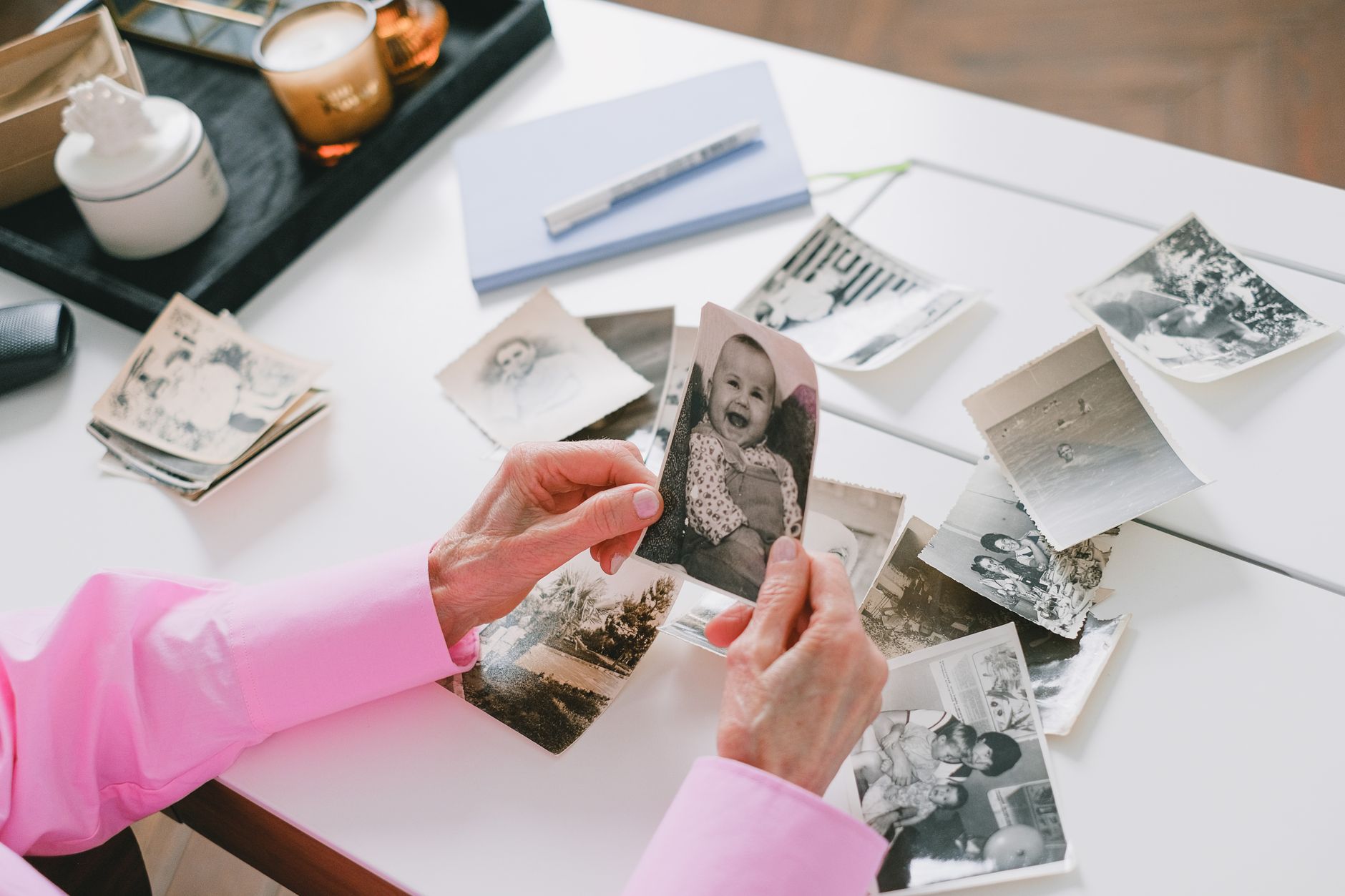
Before you touch anything, write down what exists: formats, rough quantities, and where each item came from. Librarians call this an accession list, and it stops you losing track of what you have rescued. A spreadsheet with columns for item, format, owner, date and status is enough. Note which items are most at risk. Magnetic tape and recordable discs degrade faster than printed photographs, so they go to the front of the queue.
2. How do you scan old photos properly?
Scan prints at 600 dpi and save them as uncompressed TIFF files, with a JPEG copy for everyday sharing. TIFF keeps every scrap of detail and has been an archival standard for decades. Slides and negatives need a dedicated scanner or a bureau, and a flatbed will do for prints.
Scan the back of each photo too, because handwriting there is often the only caption. Name files with a date and a subject, such as 1987-08_blackpool-beach_front.tif, so they sort sensibly without any software.
3. Rescue the floppy disks first
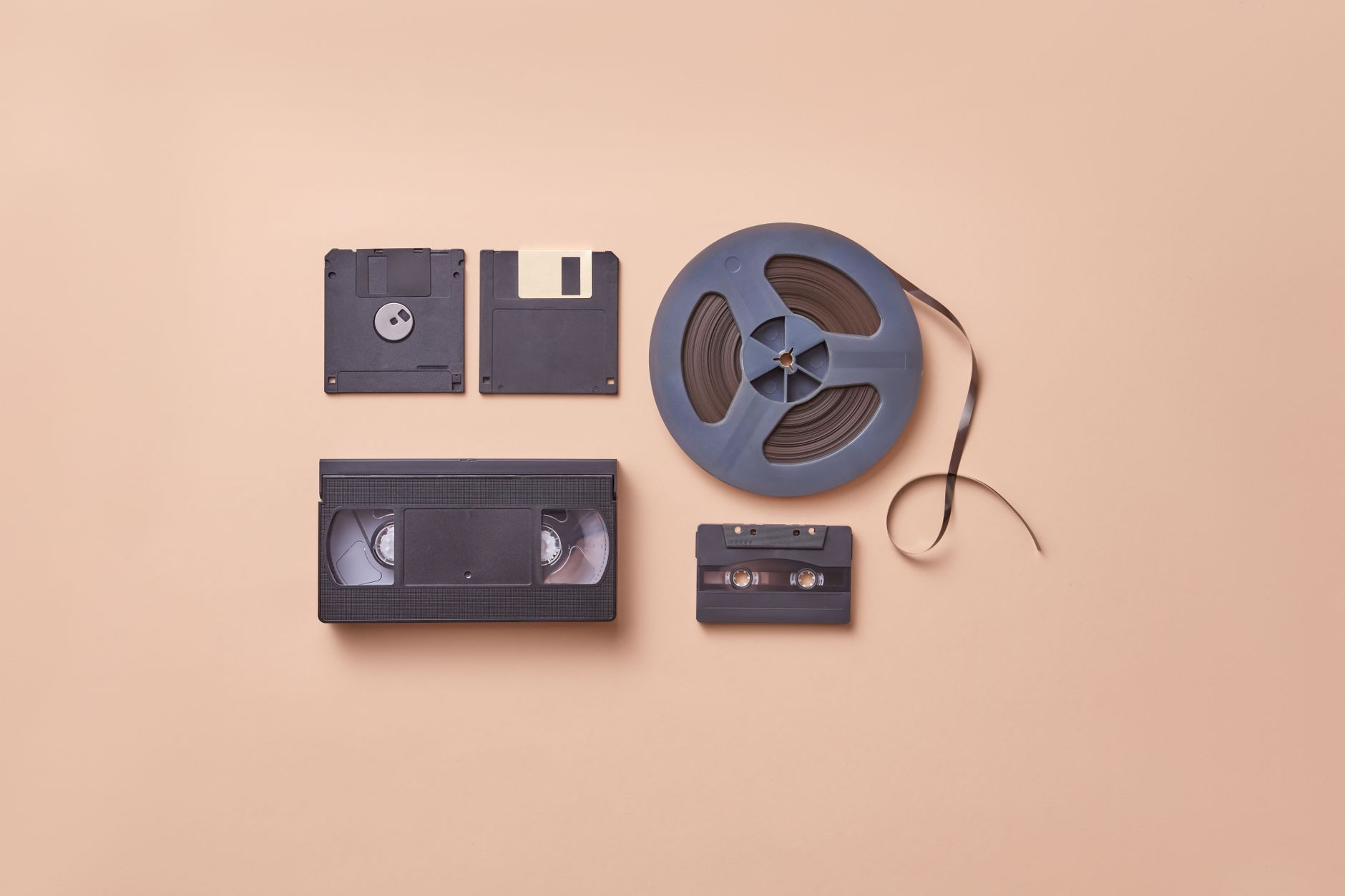
Floppy disks hold their data magnetically, and that fades. Plug in a USB floppy drive, which is cheap and widely sold, and copy the contents straight away without opening any files. Many disks from the 1990s hold documents in formats such as early Word or Lotus files. Keep the original files, then convert copies to PDF/A for documents or plain text. If a disk will not read, do not keep retrying it. Specialist bureaus handle damaged media.
Photograph the disk labels before you put anything away. A scribbled name in biro is part of the record. For a sense of how ordinary these machines once were in British homes, my history of UK home internet before broadband covers the era these disks come from.
4. Save old emails before the account closes
Email is the most fragile heirloom, because it lives on someone else’s server. If you have legitimate access to a relative’s account, download the whole mailbox using the provider’s export tool, or a desktop client that stores messages locally. Save it in the open MBOX format, and print or save important threads as PDF/A. Check the provider’s own rules on accessing a deceased person’s account, as policies differ. Older addresses from defunct providers may be gone, so look for copies in old computers too.
5. Digitise home videos at the right quality
VHS, Video8 and MiniDV tapes all deteriorate, so digitise them while a working player still exists. Capture at the highest quality your equipment allows and keep the master file untouched. Lossless or lightly compressed formats are best for the master, and an MP4 in H.264 makes a good viewing copy. A high street transfer service is sensible if you do not own a player. Ask what file format they return, because a disc of low-grade files defeats the purpose.
6. Which file formats last longest?
Open, widely documented formats last longest, because many programs can read them. The table below shows sensible choices.
| Material | Master copy | Viewing copy |
|---|---|---|
| Photos | TIFF | JPEG |
| Documents | PDF/A | |
| MBOX | ||
| Audio | WAV or FLAC | MP3 |
| Video | Lossless or high-bitrate file | MP4 (H.264) |
Avoid proprietary formats tied to one app or one company’s cloud, as those are the ones that become unreadable.
7. Back up using the 3-2-1 rule
The 3-2-1 rule means three copies, on two different types of storage, with one kept off-site. In practice that could be your computer, an external hard drive, and a cloud service or a drive at a relative’s house. Hard drives and flash media do not last forever, so check your files each year and replace drives every few years. Do not trust a single disc in a drawer.
8. Add context while you still can
A photo of an unnamed man on a beach is nearly worthless in fifty years. Ask the oldest relatives to help identify faces, places and dates now, and record their answers in a text file kept beside the images. Embedded metadata such as the IPTC caption field travels with the file, which is neater than a separate note.
9. Look after the physical originals too
Digitising does not mean throwing things away. Keep original prints in acid-free boxes, away from lofts and damp, since heat and humidity do the damage. The same care applies to the furniture, clocks and bits of family history you inherit alongside the digital pile. If a sideboard has arrived and you are wondering how to live with it, this piece of further reading: how to mix antique and modern furniture without a clash is a sensible place to start.
10. Know what archives already do
The British Library runs the UK Web Archive, and the National Archives publishes guidance on digital preservation, so professional practice is not a mystery. Their advice matches what is above: copy early, use open formats, keep several copies and document everything. For official guidance, see The National Archives.
My recommendation is to pick one box this weekend, list its contents, and copy the most fragile item first. A small start beats a grand plan that never leaves the loft.
Frequently Asked Questions
What is the best format for saving old photos?
TIFF is the best master format for scanned photos, because it keeps full detail without lossy compression. Make JPEG copies for sharing and everyday viewing. Scan at 600 dpi for prints, and keep both versions in separate folders.
Can I still read old floppy disks?
Usually yes, using a USB floppy drive connected to a modern computer. Copy the files off straight away, as the magnetic coating degrades over time. If the disk will not read, a specialist data recovery service is safer than repeated attempts.
How long do home videos on VHS tapes last?
VHS tapes can degrade noticeably within a few decades, depending on storage and playback. Heat, damp and repeated plays make it worse. Digitise important tapes soon and store the originals somewhere cool and dry.
What is the 3-2-1 backup rule?
It means keeping three copies of your files, on two different kinds of storage, with one copy held off-site. For example, a computer, an external drive, and a cloud account. It protects against theft, fire and drive failure.



Leave a Reply